
Browse Thunderstore
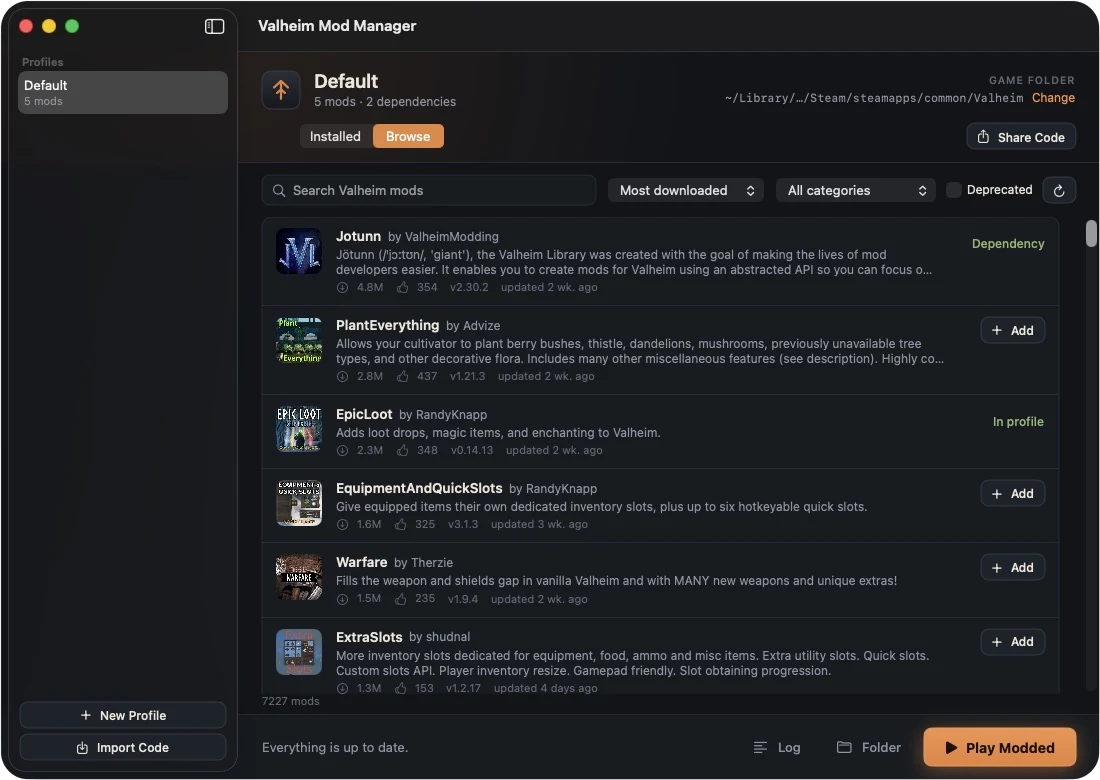
Search all 7,000+ Valheim mods, sort by downloads or recent updates, filter by category, and add one with a click. Dependencies come along automatically.
Free · for Mac
Browse every mod on Thunderstore, keep a separate profile for each server, share your setup with friends by code, and launch modded in one click. Starting Valheim from Steam still plays it vanilla.
Free, and always will be. Enjoying it? Buy me a mead
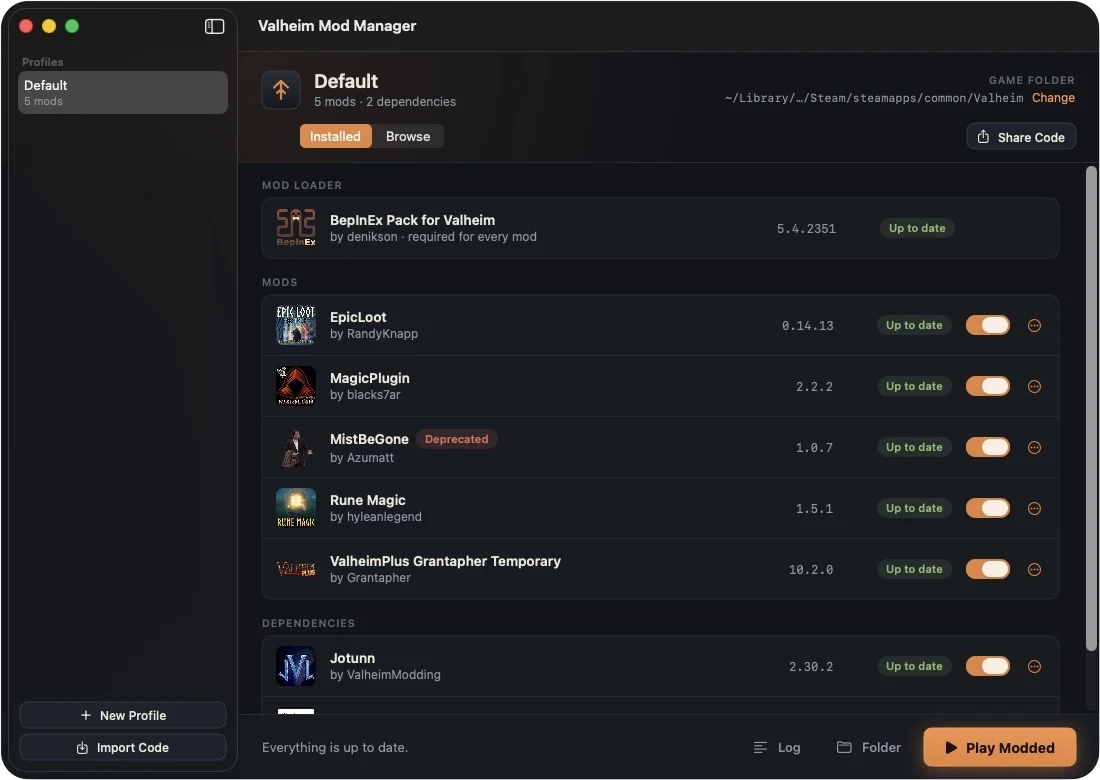
Search all 7,000+ Valheim mods, sort by downloads or recent updates, filter by category, and add one with a click. Dependencies come along automatically.
Each profile has its own mods and config. Switch between your friends’ server, a solo world, and a big overhaul without reinstalling anything.
Send a short code and your friends get the exact same mods, versions and settings. Works with r2modman codes too, so Windows and Mac players can share.
Play Modded starts Steam if needed and launches with your profile. Steam’s own Play button stays untouched — vanilla is always one click away.
See what’s out of date at a glance, update one mod or all of them, switch mods off without deleting them, and remove leftovers nothing needs.
The Mac mod loader is Intel-only, so on M-series Macs the app runs modded Valheim through Rosetta for you. No Terminal, no launch options.
Open ValheimModManager.dmg and drag Valheim Mod Manager onto the Applications folder. Then eject the disk image.
It’s a free, independent app rather than an App Store one, so the first time you open it macOS says it can’t verify the developer. Click Done, then open System Settings › Privacy & Security, scroll to Security and click Open Anyway. On macOS 14 or older you can instead right-click the app and choose Open.
Browse and add mods — or click Import Code and paste a code from a friend — then press Play Modded.
“The app is damaged and can’t be opened”? That’s the same security check with a scarier message. Open Terminal, paste this, and press Return:
xattr -cr "/Applications/Valheim Mod Manager.app"
macOS warns about any app that isn’t registered with Apple’s paid developer program. The app only talks to Thunderstore (to find and download mods), GitHub (for the BepInEx mod loader) and this site (to check for new versions). Mods themselves are made by their authors — install ones you trust, just as you would with r2modman.
It never changes Steam’s settings. It adds a small mod loader next to the game in your Valheim folder; the mods themselves live in the app’s own folder, one set per profile. Starting Valheim from Steam always runs it without mods.
Everyone needs the same mods. Whoever set up the server clicks Share Code and sends the code; everyone else clicks Import Code. Codes from r2modman work too. Codes are temporary on Thunderstore’s side — if one stops working, ask for a fresh one.
Yes. If you’d already installed BepInEx mods into your Valheim folder, the app moves them into a profile called “Default” the first time it opens.
A few mods ship graphics built only for Windows. The mod still works, but its custom models or effects may not render on the Mac. That’s up to the mod’s author.
No — on Windows, use r2modman. Profile codes work between the two.
Profiles live in ~/Library/Application Support/ValheimModManager. To remove everything, delete that folder and the app, then in your Valheim folder delete BepInEx, run_bepinex.sh, libdoorstop.dylib, unstripped_corlib and steam_appid.txt (or use Steam › Valheim › Properties › Installed Files › Verify integrity).